· Updated · 6 min read · Omkar Satpute and Milind Soni
OpenClaw on a VPS or a Mac mini? There is a third option
Where to run OpenClaw: a cheap VPS, a Mac mini in a cupboard, or a managed host. What each costs and breaks, and the desktop-app route that needs none of them.
A VPS is cheaper and always on; a Mac mini is nearer your files and, like any Mac, can run OpenClaw's iMessage channel. Either way you become the sysadmin of an agent with shell access and a gateway you must keep private. The third option is not to host it at all: MausBot runs on the computer you already own, with approvals you set per bot, and moves to a Cloud plan or to your own server with a one-command installer only if you ever need always-on.
Option one: a VPS
The default answer. OpenClaw's VPS docs cover fifteen providers, from Hostinger and Hetzner to Railway and Render. A small box is the usual pick: a 1 GB to 4 GB droplet costs $6 to $24 a month on DigitalOcean's price list. The path is Tailscale first, then restrict public SSH, then openclaw onboard --install-daemon, which installs a systemd user unit. Hostinger's own cost article lists what you are signing up for: "Docker, SSH, ports, server configuration, monitoring, and recovery."
The thing that went wrong early in 2026 was the gateway bind: scanners found more than 17,500 exposed instances after CVE-2026-25253. OpenClaw's security docs now say a regular host install binds the gateway to loopback, and the VPS docs tell you to reach it over an SSH tunnel or Tailscale Serve. Container images still default to an exposed bind, and binding to the LAN or a tailnet requires a shared secret. If you change the bind or run it in a container, the firewall is not optional.
Option two: a Mac mini
The romantic answer, and the right one if you need iMessage, which only works from a Mac. The agent sits next to your files and your network, nothing is public unless you open it, and there is no monthly bill. The cost is the mini itself and the upkeep: keeping it awake and keeping the gateway up. OpenClaw's gateway troubleshooting page is where those evenings end up.
Reaching it from your phone still means Tailscale or a tunnel. It is a VPS with a nicer case.
Option two and a half: pay someone
Managed OpenClaw hosts start at $4.99 a month on a two-year prepaid term and take the sysadmin job off you. We compared nine of them in Managed OpenClaw hosting compared. Read the renewal price and where the dashboard listens before you pay.
Option three: do not host it
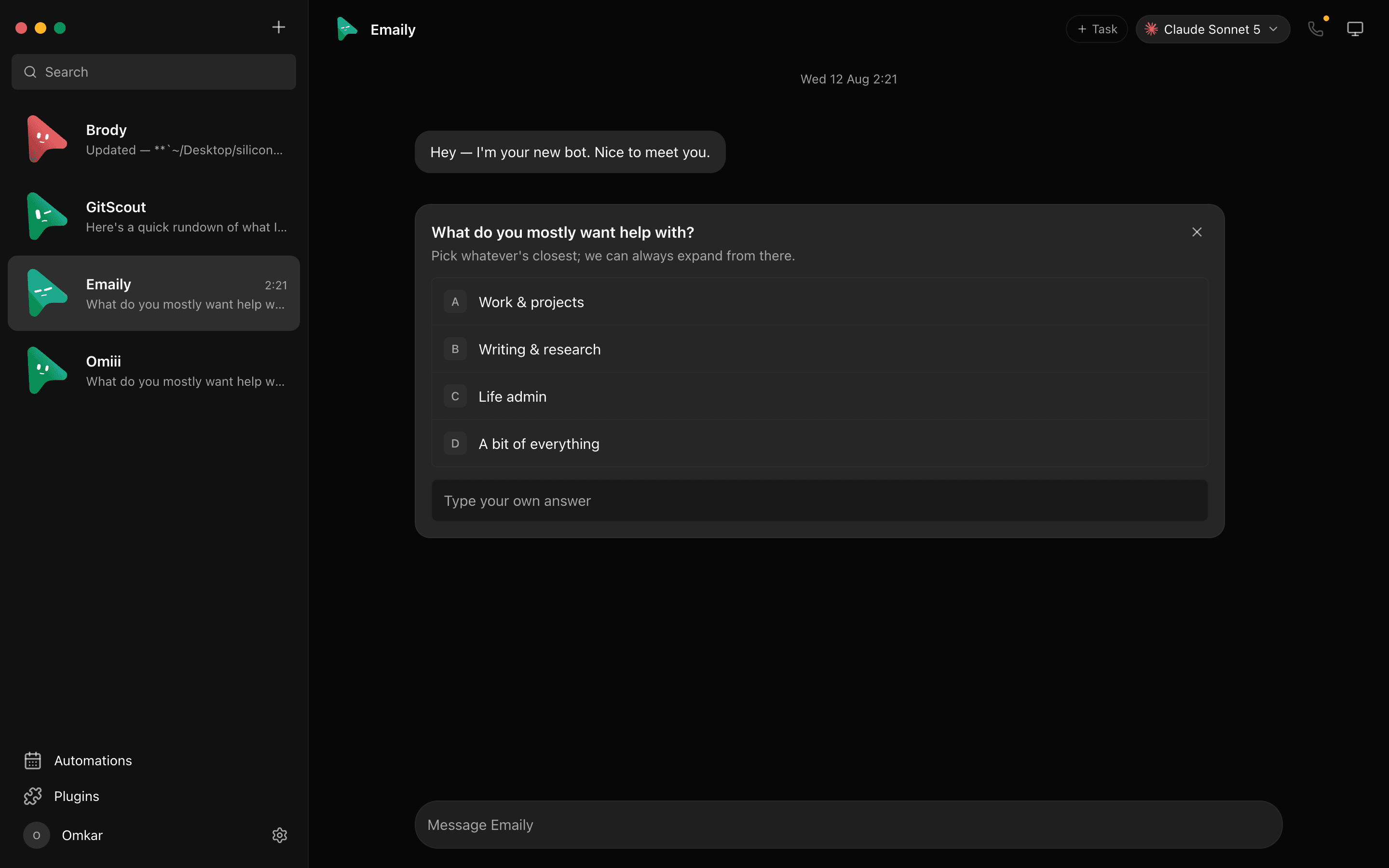
All three options exist to keep OpenClaw on around the clock. OpenClaw 2.0 also ships desktop apps that run it on your own computer, which works for as long as that computer is awake. MausBot starts from the computer you already own too. It is a desktop chat app where every contact is a bot with its own model and its own computer. Bots run one of 16 agent engines, Claude Code, Codex, Grok and more, on your Mac, PC, or Ubuntu machine, with the plan or API key you already have, and your data stays in ~/.openmausbot. Free, Apache 2.0.
Approvals on any host
OpenClaw's exec approvals default to full on gateway hosts: shell commands run without a prompt unless you switch the mode. That is true on a VPS, on a Mac mini, and on a managed host. MausBot starts every bot at Full access too, so with either one, decide on approvals before you leave an agent running. In MausBot that is a switch per bot or per thread: Ask for approval, Auto-accept edits, or Approve for me, plus Ask every time for email, messages, posts, and payments a bot sends for you.
Always-on, with a Cloud plan
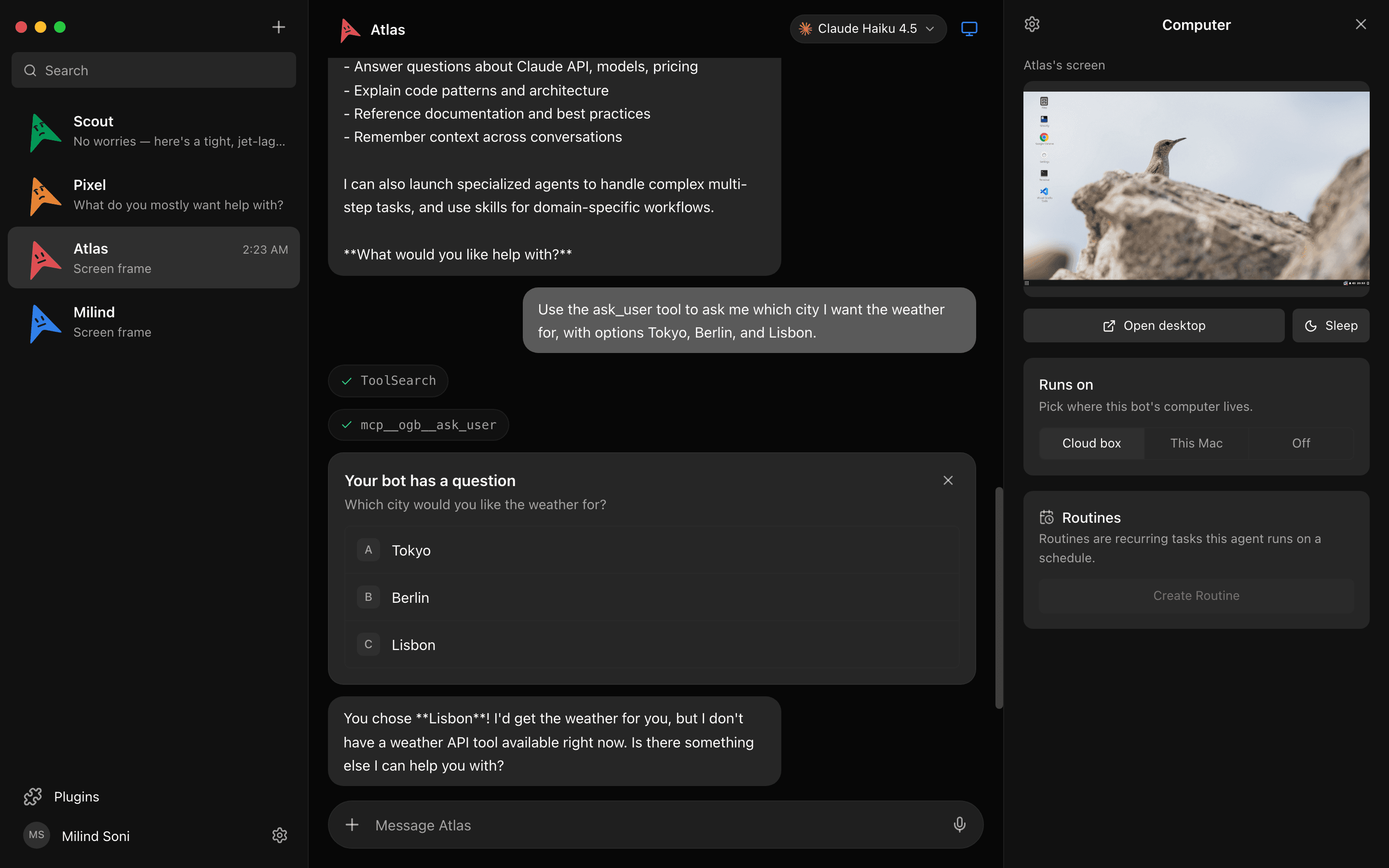
The honest case for a server is that a closed laptop runs nothing. MausBot answers that with a Cloud plan from $19 a month: an always-on cloud machine for your bots, and cloud computers with a live desktop you can watch or take over, so they keep working with your laptop shut. Without a plan, bots run on your own machine while it is awake, and the desktop app has an optional Keep this computer awake setting for automations.
And if you want the server anyway
Self-hosting is free. On a fresh Ubuntu 22.04 or 24.04 server with a domain pointing at it, one installer command checks the server, installs MausBot in Docker, and ends with HTTPS on your domain. Your bots then keep working with every laptop closed, and the data stays on that server. The installer targets Ubuntu, so a Mac mini is not the host for this route.
Side by side
| OpenClaw on a VPS | OpenClaw on a Mac mini | MausBot on your computer | |
|---|---|---|---|
| Upfront cost | None | The Mac mini | None; the computer you already own |
| Monthly cost | About $6 to $24 for the box at DigitalOcean, plus tokens | Electricity, plus tokens | Nothing for the app; your model plan or API usage. A Cloud plan from $19 is optional |
| Always on | Yes | Yes, if it stays awake and the gateway stays up | Yes on a Cloud plan from $19 a month, or self-hosted free on your own server; the desktop app alone stops when the computer sleeps |
| Reach it from your phone | Through Tailscale or an SSH tunnel you set up | Same | MausBot's iPhone and Android apps |
| Setup | Tailscale, SSH lockdown, onboard with a systemd unit | The macOS app or installer, keeping the Mac awake | Download; MausBot installs and signs in Claude Code or Codex |
| Runs your local files and apps | No, the agent is on the server | Yes, on the mini | Yes, on the machine in front of you |
| Before a shell command runs | Nothing, unless you change exec mode from full | Same | Nothing at Full access, the default; switch a bot to Ask for approval |
| Chat-app channels (WhatsApp, iMessage) | Yes | Yes, and iMessage only works on a Mac | No; its own desktop and phone apps |
Which one should you choose?
VPS if you want OpenClaw on WhatsApp or Telegram all day for the price of a coffee and you are comfortable with Tailscale and a firewall. Mac mini if you need iMessage or want the agent beside your files and already own the hardware. Managed host if you want OpenClaw and none of the above.
MausBot if you want an agent today with nothing to host, want to choose per bot when it asks before it runs anything, want more than one bot on more than one model, and would rather add a server later than start with one. Our OpenClaw alternative post has the full feature comparison.
Frequently asked questions
- Is a VPS or a Mac mini better for OpenClaw?
- A VPS if you want it cheap, always on, and reachable from anywhere without touching your home network; expect to spend an evening on Tailscale, SSH, and systemd, and to check the gateway bind. A Mac mini if you need iMessage, want the agent near your files, or already own one. Both need you to be the sysadmin.
- How much RAM does OpenClaw need on a VPS?
- OpenClaw's own VPS docs cover 15 providers and suggest setting OPENCLAW_NO_RESPAWN=1 on small hosts, which keeps routine gateway restarts in-process. Check the docs for the current numbers before you buy.
- Can I run OpenClaw on a Mac mini and reach it from my phone?
- Yes, through Tailscale or an SSH tunnel, the same as a VPS. Plan for keeping the Mac awake and for restarting the gateway when it stops.
- Does MausBot need a server at all?
- No. The desktop app runs on macOS, Windows, or Ubuntu. If you later want the team always on, a Cloud plan from $19 a month gives your bots an always-on cloud machine, or a one-command installer runs MausBot free on your own Ubuntu 22.04 or 24.04 server with a domain, in Docker with HTTPS.
- Is MausBot a fork of OpenClaw?
- No. It is an independent Apache 2.0 project with a different shape: a chat app of bots, each with its own model, computer, and approval level, running Claude Code, Codex, Grok, and 13 more agent engines. It does not run OpenClaw skills or channels, though OpenClaw itself can be added as a custom ACP agent.
Get started in two minutes
No server and no card. Download for macOS, Windows, or Ubuntu, let MausBot install and sign in Claude Code or Codex, and meet your first bot. Or read the source on GitHub first. The app is free; Cloud plans from $19 a month are optional. See the features list.
This post is based on the products as they were on . Products change. If something here is out of date, tell us and we will correct it.