· Updated · 9 min read · Omkar Satpute and Milind Soni
Claude Code desktop app: the official GUI and 6 more
There is an official Claude Code desktop app now. What the Code tab does, six GUIs that cover other jobs, and how to run Claude Code as a background agent.
There is an official Claude Code desktop app now. It is the Code tab in the Claude Desktop app, on macOS, Windows, and Linux beta. Six other GUIs cover jobs the official one does not: switching providers, browsing sessions, running from a phone, managing parallel worktrees. MausBot is the one that turns Claude Code into a chat-app bot, with an approval level you set per bot and automations that run on a schedule.
The official Claude Code GUI
Until the Code tab arrived, "Claude Code desktop app" was a search with no good answer. That changed with the Code tab in the Claude Desktop app, which sits beside chat and Cowork. According to the desktop docs, it gives you:
- Parallel sessions, each of which can run in its own git worktree when you turn Worktree on, so two tasks on one repo do not step on each other.
- A diff pane, a browser pane, and a terminal in the same window.
- Permission modes: Manual, Accept edits, Plan, Auto, and Bypass. This is the dial between "ask me every time" and "just do it".
- Pull request monitoring and connectors, plus computer use on Mac and Windows, a research preview on Pro, Max, and Ultra plans.
- Sessions that run locally, in the cloud (and keep going after you close the app), over SSH, or inside WSL.
Platforms: macOS, Windows on x64 and ARM64, and Linux in beta since the week of June 29, 2026. Plans: Pro at $20, Max at $100, Ultra at $200, Team, or Enterprise. Around it sit the web version at claude.ai/code; Dispatch, which since March 17, 2026 lets you message Cowork a task from your phone to run on your desktop and is now a limited beta closed to new users; Remote Control for driving a local session from a phone; a VS Code extension; and a JetBrains plugin.
If your question is "how do I use Claude Code without a terminal", this is the answer, and it is free with the plan you already have. The rest of this post is for the jobs it does not do.
CC Switch
CC Switch is the most-starred third-party tool in this space, at about 154,000 stars. It is a Tauri desktop app that does one job well: switch providers and accounts, sync MCP servers and skills across tools, and show a usage dashboard. It covers twelve tools, including Claude Code, Claude Desktop, Codex, Gemini CLI, Grok Build, OpenCode, OpenClaw, and Hermes. It can browse past sessions and copy a resume command, but you still run sessions in the terminal or the Code tab.
Platforms: macOS, Windows, Linux. License: MIT. Price: free.
opcode
opcode, formerly Claudia, is a Tauri app with 22,400 stars that wraps the Claude Code CLI in a project and session browser. It adds background agents, usage analytics, an MCP manager, and checkpoints you can roll back to. If you liked the terminal but wanted a sidebar of your past sessions and a usage meter, this is it.
Platforms: installers for macOS 11+ and Linux; Windows 10+ if you build from source. The repository is still active, though the last release was in August 2025. License: AGPL-3.0. Price: free.
Claude Code UI / CloudCLI
Claude Code UI from siteboon, 14,600 stars, is a web and mobile UI for Claude Code, Cursor CLI, Codex, and OpenCode. You run it on the machine that has the CLIs and open it from any browser, including your phone, or from an optional desktop app for macOS and Windows. The project now goes by CloudCLI, and the hosted version is CloudCLI Cloud. It is the right pick when the job is "check on my agent from the sofa".
Platforms: any browser, plus a desktop app for macOS and Windows. License: AGPL-3.0. Price: free to self-host; hosted from EUR 7 a month.
Nimbalyst
Nimbalyst turns parallel sessions into a kanban board. Each card is a session, which can run in its own worktree, with diff review and editors built in, and an iOS companion app for watching progress. It has about 2,100 stars and is the successor to Crystal, which was deprecated in February 2026 in its favor.
Platforms: macOS, Windows, Linux. License: MIT. Price: free for individuals.
Conductor
Conductor, which joined Meta in November 2026, runs parallel worktrees for Claude Code, Codex, Cursor, and OpenCode. It is polished and free, bundles its own Claude Code and Codex, and needs GitHub to set up. It is Mac only, plus an iPhone app, and closed source. If you are on a Mac and want the worktree workflow without the official app, it is the popular choice.
Platforms: macOS, plus an iPhone app. License: closed source. Price: free.
MausBot
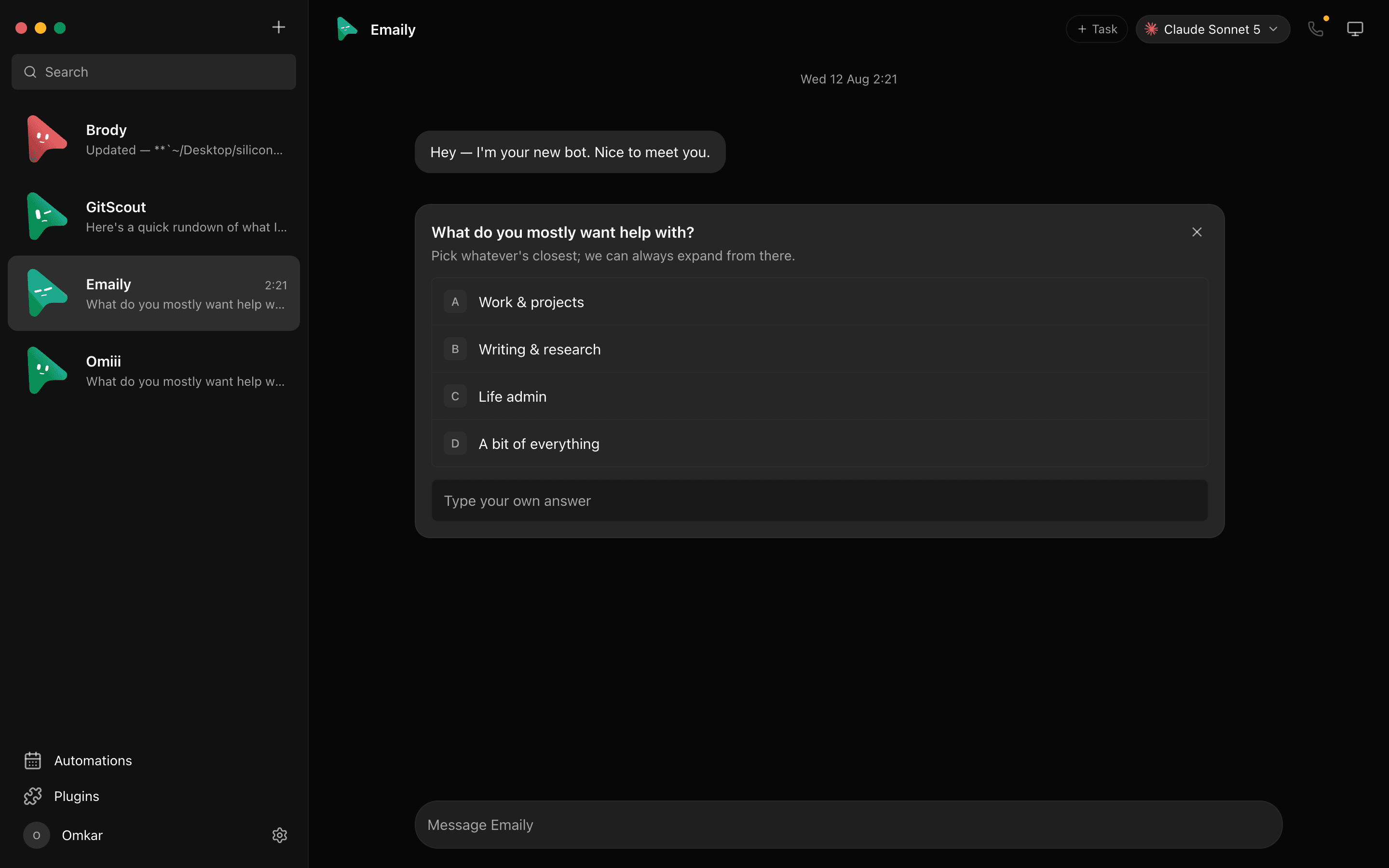
MausBot is not a Claude Code GUI for coding sessions with diffs. It is a chat app, Telegram in shape, where every contact is a bot and each bot runs on the claude CLI on your machine, with your own login; MausBot installs it and signs it in for you if it is missing. Codex, Grok, and 13 more agent engines work the same way, as do API and local models. You talk to the bot; it does the work; what needs you comes back as a card.
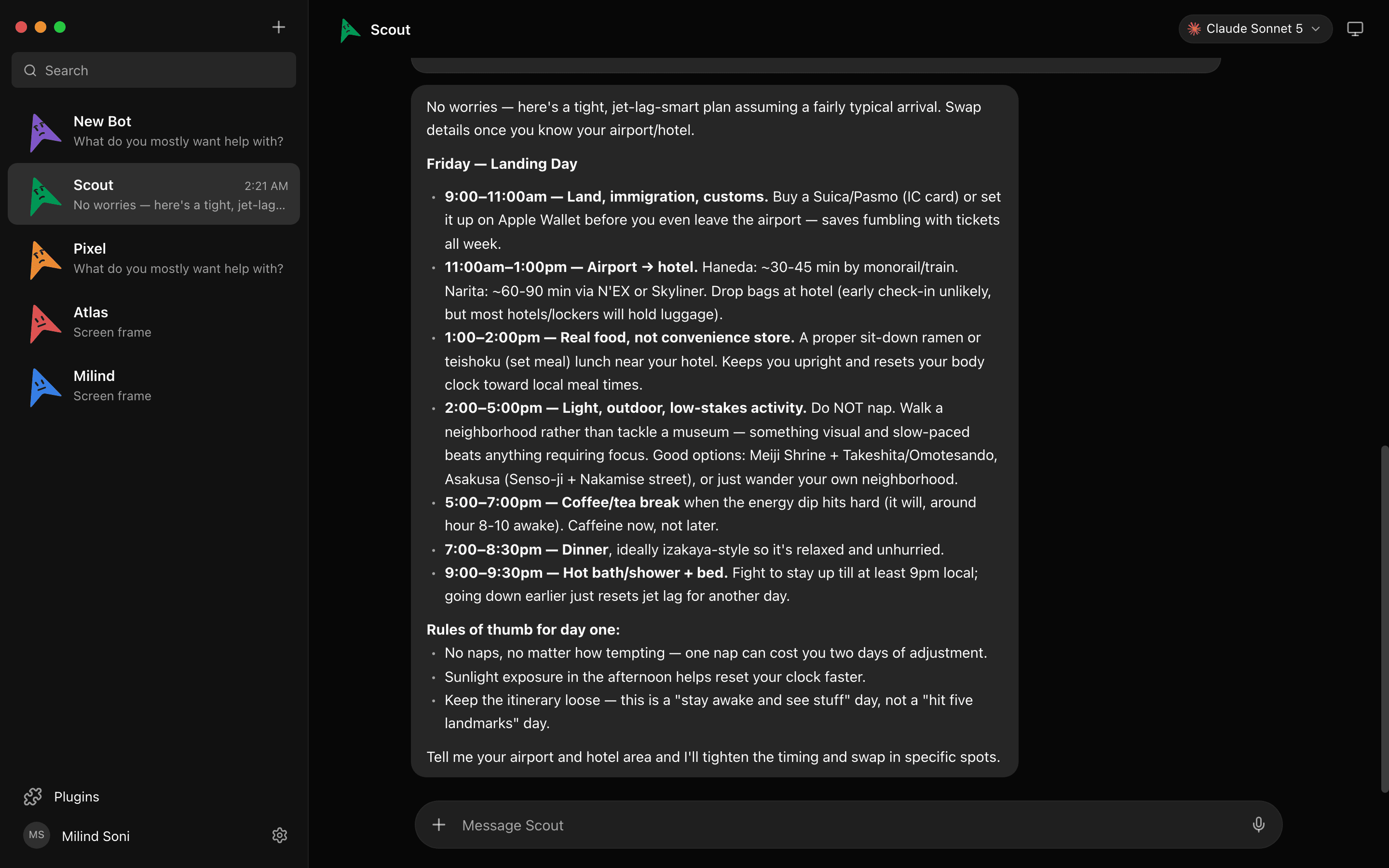
Approval levels per bot
When this post first ran, this section was called "Approval cards instead of permission modes": every shell command and file edit waited for an Allow / Deny card. That changed on October 14, 2026. Every new bot now starts at Full access, where the engine runs in its most permissive mode, and real questions and missing sign-ins still reach you. Ask for approval, Auto-accept edits, and Approve for me are set per bot or per thread, and whatever the engine leaves for you arrives as a card in the chat. A separate Sending on your behalf setting can make a bot ask every time before it sends email, messages, posts, or payments. The same level applies whether the bot controls your own machine or a cloud computer, and every decision goes into a log.
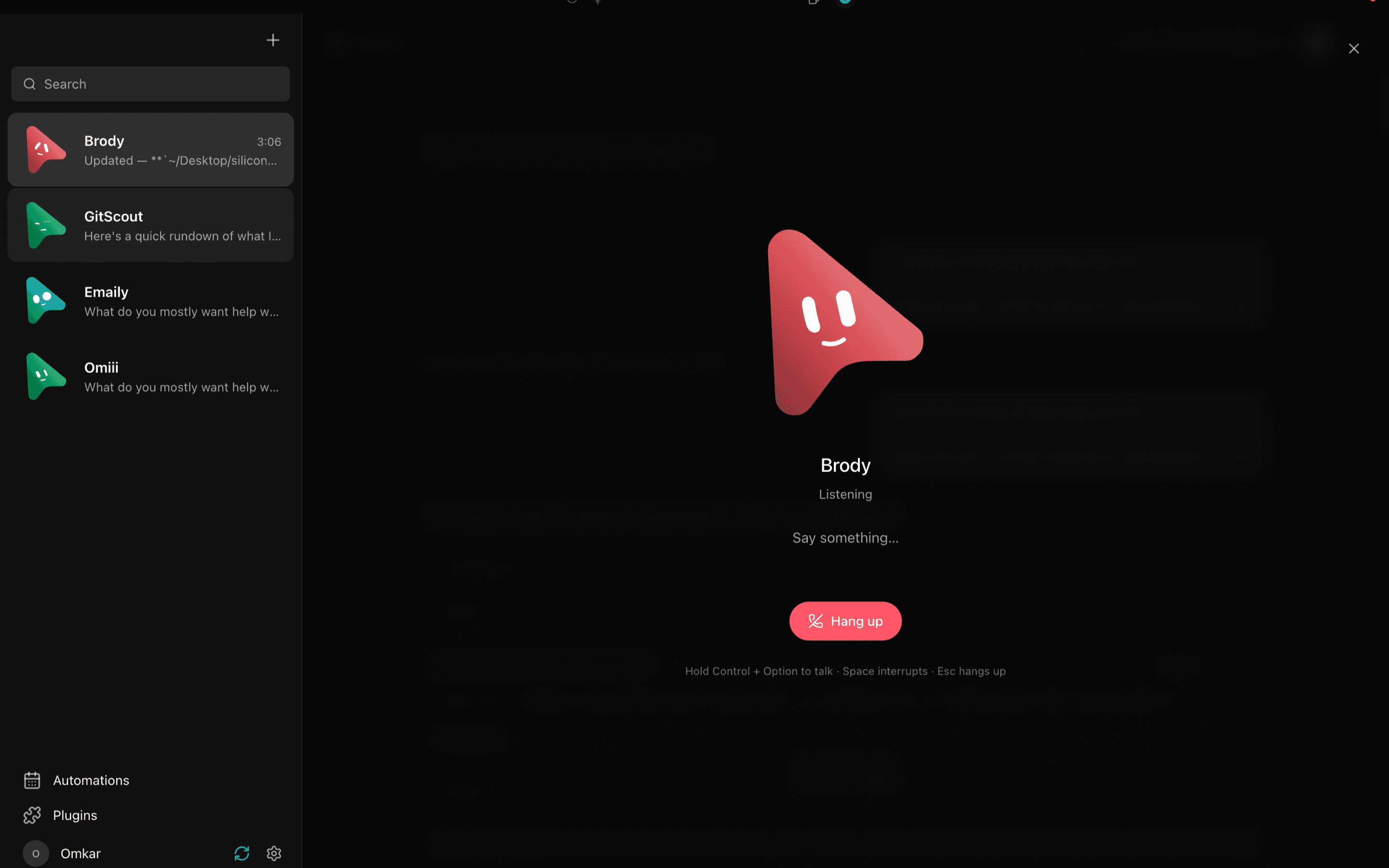
Call the bot
Press the speaker on any reply or call a bot and talk. It narrates what it is doing and asks for approvals out loud. Bring your own voice provider key; Cloud plans include voice replies.
Platforms: macOS (Apple Silicon and Intel), Windows x64, Ubuntu; iPhone and Android apps. License: Apache 2.0, apart from an enterprise/ folder. Price: the app is free and you pay your model providers; optional Cloud plans from $19 a month keep bots running with your laptop closed. Stars: about 23,000.
Here is a live simulation of four bots working in parallel:
A simulation. Pick a bot, or type to it. The replies are scripted; the real thing runs on your own machine.
All seven side by side
| Tool | Job | Platforms | License | Price | Stars |
|---|---|---|---|---|---|
| Claude Desktop, Code tab | The official GUI: parallel sessions, diffs, browser, terminal, permission modes | macOS, Windows x64 and ARM64, Linux beta | Closed source | Included with Pro, Max, Ultra, Team, or Enterprise | n/a |
| CC Switch | Switch providers, sync MCP servers and skills, watch usage across Claude Code, Codex, Gemini CLI, and nine more tools | macOS, Windows, Linux | MIT | Free | 154k |
| opcode | Browse projects and sessions, run background agents, usage analytics, MCP manager, checkpoints | macOS 11+ and Linux installers; Windows 10+ from source | AGPL-3.0 | Free | 22.4k |
| Claude Code UI / CloudCLI | A web, desktop, and mobile UI for Claude Code, Cursor CLI, Codex, and OpenCode | Any browser, plus a desktop app for macOS and Windows; self-hosted or hosted | AGPL-3.0 | Free to self-host; hosted from EUR 7/mo | 14.6k |
| Nimbalyst | Kanban of parallel sessions, optional worktrees, diff review, editors, phone companion | macOS, Windows, Linux; iOS companion | MIT | Free for individuals | 2.1k |
| Conductor | Parallel worktrees for Claude Code, Codex, Cursor, and OpenCode | macOS; iPhone app | Closed source | Free | n/a |
| MausBot | A chat app where bots run on Claude Code or 15 other agent engines, with approval levels, automations, and connected apps | macOS, Windows x64, Ubuntu; iPhone and Android apps | Apache 2.0, apart from an enterprise/ folder | Free app; optional Cloud plans | ~23k |
GUI vs terminal: when each wins
The terminal wins when you are in one repo, on one task, and you already know the commands. It starts faster, it composes with everything else in your shell, and every GUI here is a wrapper around it anyway.
A GUI wins when you have more than one session going. Parallel worktrees are hard to keep straight in tabs, diff review is easier in a pane than in a pager, and a permission mode you can see is a permission mode you will actually change. A GUI also wins when the person using Claude Code is not the person who set it up.
A chat app wins when the job is not code. If you want to send "file the expense report and tell me when it is done" from your phone and get a yes/no card back, neither a terminal nor a diff pane is the right shape. That is the job MausBot is built for, and we explain the reasoning in why a chat app and not an IDE.
Running Claude Code as an agent in the background
Anthropic gives you three official ways to run Claude Code without a person at the keyboard.
- Headless mode.
claude -p "your prompt"runs one turn and exits. Add--permission-modeto set the gate,--output-format jsonto parse the result, and--barein CI. The headless docs cover the flags. - The Claude Agent SDK in Python and TypeScript, for building your own harness around the same engine.
- Scheduling. Cloud scheduled tasks, formerly Routines, from
/schedule, with a one-hour minimum and no local file access; scheduled tasks in the desktop app for local work; and/loopinside a session. See the scheduled tasks docs.
How MausBot does it
MausBot is a harness on top of the same claude CLI. A bot is a long-lived agent with its own model, memory, connected apps, and computer. Automations run a bot on a schedule, from a webhook, or on an app event. A bot works at the approval level you set for it: Full access by default, or Ask for approval if you want each command and edit to land in the chat as a card first. A question always lands as a card. Bots can also work in group rooms and hand tasks to each other, and a Chief of Staff bot can hand out the work.
If you want the same bot to switch engines, it can: we ran the claude and codex CLIs side by side in one app and wrote up what differs.
Frequently asked questions
- Is there an official Claude Code desktop app?
- Yes. The Claude Desktop app has a Code tab next to chat and Cowork. The Code tab is Claude Code with a GUI: parallel sessions that can each run in a git worktree, a diff pane, a browser pane, a terminal, and permission modes. Details are in the desktop docs.
- Does Claude Code work on Windows and Linux?
- Yes. The desktop app ships for Windows on x64 and ARM64, and a Linux build has been in beta since the week of June 29, 2026. The Code tab can also drive sessions over SSH and inside WSL. Of the third-party GUIs, CC Switch and Nimbalyst run on all three desktop platforms; opcode ships macOS and Linux installers, with Windows from source; Conductor is Mac only, plus an iPhone app; Claude Code UI runs in any browser. MausBot ships for macOS, Windows x64, and Ubuntu.
- Do the GUIs need a separate subscription?
- Mostly no. The official Code tab is included with Pro ($20), Max ($100), Ultra ($200), Team, and Enterprise plans. CC Switch and opcode are free wrappers around the CLI you already have; Conductor is free and bundles its own Claude Code and Codex, using the logins already on your machine; Nimbalyst is free for individuals. Claude Code UI is free to self-host, with a hosted tier from EUR 7 a month. The MausBot app is free and uses your own Claude login or API key; its optional Cloud plans start at $19 a month.
- Can I run Claude Code on a schedule?
- Yes, three ways from Anthropic and one from MausBot. Cloud scheduled tasks, formerly Routines and still a research preview, run from
/schedulewith a one-hour minimum and no access to local files. The desktop app has local scheduled tasks. Inside a session,/looprepeats a prompt. See the scheduled tasks docs. In MausBot, an automation runs a bot on a schedule, from a webhook, or on an app event, at that bot's own approval level. - What is the difference between Claude Code and Claude Cowork?
- Claude Code is for repositories: it edits code, runs commands, and opens pull requests, from a terminal, an IDE, or the Code tab. Cowork was Anthropic's version for everything else: folders of documents, spreadsheets, slides, and web research, in an isolated cloud environment or on your desktop. On September 16, 2026 Cowork was merged into a single Claude experience, so the app now picks the mode. Both use the same paid plans.
Get started in two minutes
If you want the official GUI, download the Claude Desktop app and open the Code tab. If you want Claude Code as a bot you can message, download MausBot for macOS, Windows, or Ubuntu, sign in with the claude CLI you already have, or let MausBot install it, and meet your first bot. Or read the source on GitHub first. The app is free; you pay your model providers, and MausBot only if you choose a Cloud plan. The features list has the rest.
This post is based on the products as they were on . Products change. If something here is out of date, tell us and we will correct it.