· Updated · 7 min read · Omkar Satpute and Milind Soni
An AI agent that controls your computer, safely
Several open-source agents can control your Mac or PC. The real choices are local machine versus cloud sandbox, and whether the agent asks before it acts.
Yes, several AI agents can control your computer today, and a good number of them are open source. The question to answer first is not which one. It is whether you want the agent on your actual Mac or PC, with your cookies and your files, or on a cloud computer that keeps working while your laptop is shut. The second question is whether it asks you before it acts. Everything else is detail.
Two ways an agent gets a computer
Every computer-use agent on the market is one of two things, and some products quietly switch between them.
Local control: it uses your machine
The agent runs on the laptop in front of you. It opens your browser with your logged-in sessions, uses your IP address, reads your files, and types where you would type. OpenClaw v2.0 does this on paired Macs and on Windows machines you explicitly enable. Hermes Agent runs commands locally by default, or in Docker, over SSH, or in a cloud sandbox. UI-TARS Desktop from ByteDance is a pixel-level GUI controller for Windows and Mac whose GitHub repository is now archived, and Agent S from Simular is an open-source computer-use framework. MausBot bots can control your machine on macOS, Windows, and Ubuntu 24.04. Local control is fast, sees everything you see, and is the only way to get past a site that blocks data-center IPs. It also means a bad instruction lands on your real files.
A cloud or container sandbox: it gets its own machine
The agent gets a computer that is not yours. Meta Muse runs in a Linux VM with a Chromium browser that Meta calls the Muse Secure VM. Its Mac app counts as local control too: with the Full Disk Access and Automation permissions you grant in macOS, it manages your files and reads or acts in Messages, Notes, Reminders, Mail, and Calendar. Grok Bot gives every bot on your account one shared cloud computer. Instinct works on its own computer and signs in with passwords you give it or through 1Password. NanoClaw runs each agent in its own Linux container; Agent Zero runs a whole Linux desktop in Docker. On a Cloud plan, MausBot gives each bot its own cloud computer with a live desktop. A sandbox keeps working after you close the lid and limits the damage of a bad instruction to the sandbox. It also has none of your cookies, and shopping sites can tell.
Local machine vs cloud sandbox
| Your own machine | Cloud or container sandbox | |
|---|---|---|
| Sees your logged-in sessions | Yes. It drives the browser you are already signed into. | Only what you log into on the sandbox, or hand over. Instinct works on its own computer and signs in with passwords you give it or through 1Password. |
| Gets past CAPTCHAs and bot detection | Usually. It is your IP, your browser profile, your history. | Often not. Users report blocks, including Google kicking Instinct out mid-task. Amazon cut off Muse on September 20. |
| Blast radius if prompt-injected | Everything your user account can reach: files, keychain, every open tab. | The sandbox and whatever accounts you connected to it. Your laptop is untouched. |
| Works with the laptop closed | No. The agent needs the machine awake. | Yes. This is the main reason people choose it. |
| Cost | Model tokens only. | Model tokens plus VM time, or a plan that bundles the VM. |
| Setup | Accessibility or screen permissions on macOS; Xorg on Ubuntu. | Sign in. The VM is someone else's problem, and someone else's data. |
The Amazon block on Muse shows the limits of the cloud route. Amazon cut off Muse on September 20, saying Meta never asked and the agent does not identify itself. Amazon has fought Perplexity's Comet browser too, so your own browser is no guarantee either.
Accessibility tree vs screenshots
Under the hood, an agent reads the screen one of two ways. It can ask the operating system or browser for the accessibility tree, a structured list of every button, field, and label with its text. Muse works from accessibility snapshots of this kind. Or it can take a screenshot and have a vision model find the button in the pixels, which is what UI-TARS does with its own model.
The trade-off is plain. The tree is cheap, exact, and fast, and it fails on anything that does not expose accessibility data: canvas apps, some games, badly built web pages. Pixels work on everything you can see, cost far more tokens per step, and misclick. Most serious agents use the tree when it is there and fall back to pixels when it is not. When you evaluate one, try it on the ugliest internal tool you own, not on Gmail.
The question that matters more: does it ask first?
Local or cloud decides what an agent can reach. The approval gate decides what it does reach without you. Here is where the well-known agents stand as of November 2026, from their own docs, or press reports for Instinct.
- OpenClaw: exec approvals offer deny, allowlist, ask, auto, and full. The default on gateway hosts is full: no prompt. The docs also say approvals are not a per-user auth boundary.
- Instinct: acts without asking by default. Reported incidents include an unapproved email sent and Gmail summaries arriving three hours after access was revoked.
- Meta Muse: scoped approvals; every purchase needs a human. Meta's security post admits prompt injection is unsolved.
- Grok Bot: commands on your local computer run only when enabled, and the default policy is to ask every time. On the shared cloud computer, a bot shows an approval card and waits when an action needs your OK.
- MausBot: when this post first ran, every shell command and file edit surfaced as an Allow / Deny card before it ran. Since October 14, 2026, every new bot starts at Full access, the engine's most permissive mode, like OpenClaw's gateway default; real questions and missing sign-ins still reach you. Ask for approval, Auto-accept edits, and Approve for me are set per bot or per thread, on local and cloud computers alike, and a separate Sending on your behalf setting can make a bot ask every time before it sends email, messages, posts, or payments. There is a decision log either way.
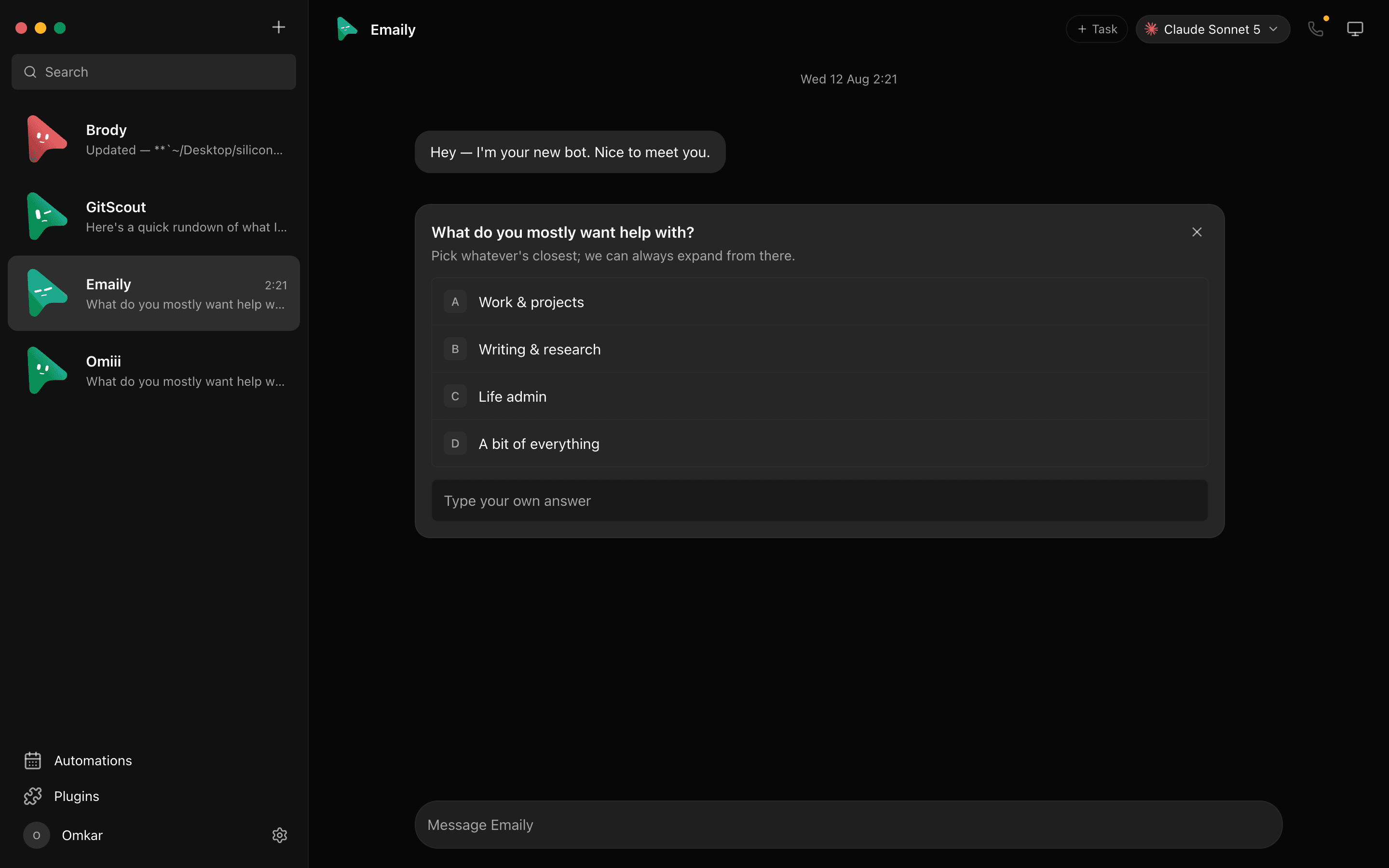
How MausBot does it
MausBot is a chat app where every contact is a bot, and each bot gets its own computer. Open the Computer panel and choose: this machine, or, on a Cloud plan, a cloud computer. The cloud computer spins up from the panel with a live preview, and you can open it and take over at any point. Point the bot at your own Mac, PC, or Ubuntu box and it works in your browser with your sessions instead.
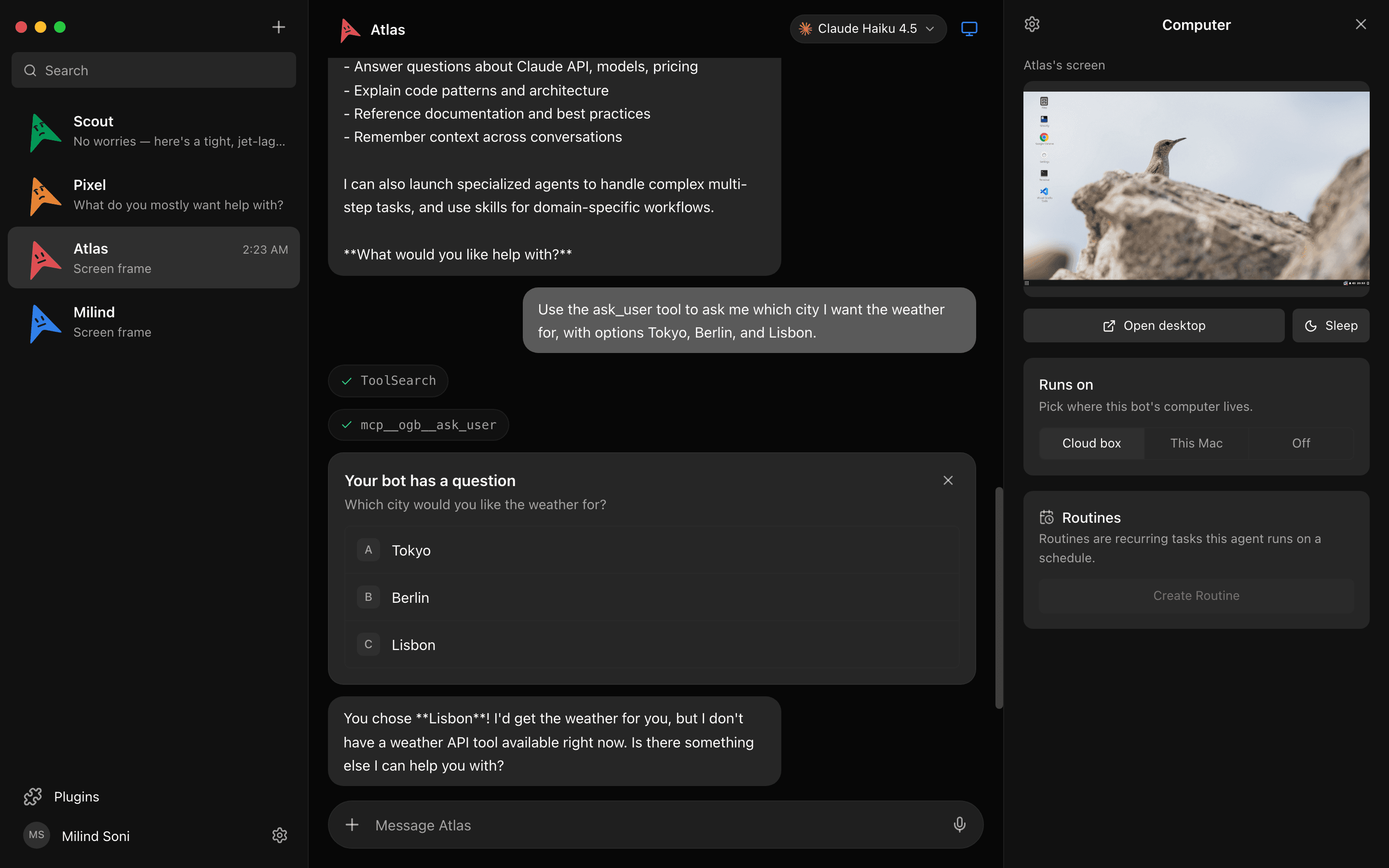
Approval levels are the same on both. Set a bot to Ask for approval and a shell command on a cloud computer and a file edit on your laptop both land as cards in the chat. The harness runs on 127.0.0.1 and keeps transcripts, keys, and the decision log in ~/.openmausbot.
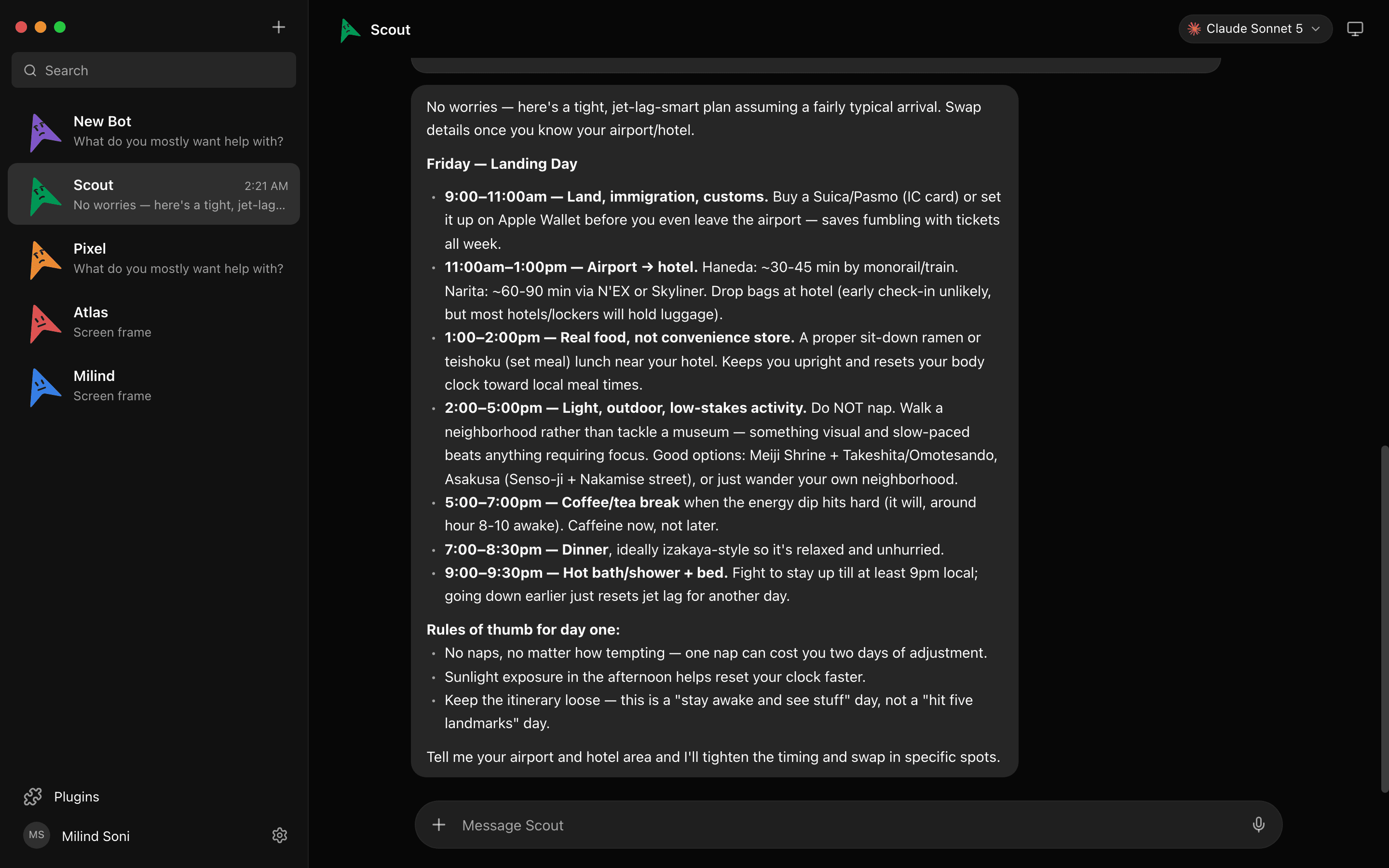
Two honest notes. On Ubuntu, local control needs Xorg; Wayland control is disabled. And the desktop app stops when your computer sleeps, unless you turn on Keep this computer awake, so if overnight work is the job, run MausBot on a Cloud plan or self-host it on your own server.
A checklist before you give any agent your computer
- Does it ask before it runs a command or edits a file, by default, or is that a setting you have to find?
- Is there a decision log you can read afterwards, so you know what it did while you were away?
- Where does the transcript live: on your disk, or on a server that can be subpoenaed, breached, or used for training?
- Can you watch it work and take over mid-task, or is it a black box until it reports back?
- If it runs on your real machine, does it run as your user account with everything that implies, or in a scoped profile?
- What happens to a task if a web page tells the agent to do something else? Ask the vendor; if the answer is silence, that is the answer.
Frequently asked questions
- Can an AI agent control my Mac?
- Yes. OpenClaw v2.0 added Computer Use on paired Macs, Hermes runs on macOS, UI-TARS Desktop has a Mac build (its repository is now archived), and MausBot bots can control a Mac on Apple Silicon or Intel. Meta Muse's Mac app counts too: with the Full Disk Access and Automation permissions you grant in macOS, it manages your files and reads or acts in Messages, Notes, Reminders, Mail, and Calendar, and it asks before important actions.
- Can an AI agent control Windows?
- Yes. OpenClaw's Computer Use covers Windows machines you explicitly enable, UI-TARS Desktop has a Windows build, Grok Bot can run commands on a Windows PC under its local-computer policy, and MausBot ships a Windows x64 build whose bots can control that PC. Meta Muse has no Windows agent app.
- Is it safe to let an AI agent use my computer?
- It is as safe as the gate in front of it. An agent on your real machine runs as you. If a web page or an email it reads contains an instruction, a gated agent shows you that instruction as an approval card and you say no; an ungated agent just does it. Meta's own security post says prompt injection is unsolved. Pick an agent that asks, or turn asking on (MausBot starts at Full access, and Ask for approval is one setting away), read its decision log, and give it a cloud desktop for anything that touches strangers' content.
- What is a computer-use sandbox?
- A computer the agent gets that is not yours: a computer in someone's cloud (Muse's Linux VM, Grok Bot's shared cloud computer, Instinct's own computer, MausBot's Box), or a container on your own machine (NanoClaw, Agent Zero). Nothing it breaks is on your laptop. The trade is that it does not have your cookies, your IP, or your files unless you put them there.
- Which open-source agent controls the computer?
- For your own machine with an approval gate: MausBot (macOS, Windows, Ubuntu) and OpenClaw, once you switch approvals on in either (MausBot starts at Full access, and OpenClaw's gateway default is full). For pixel-level GUI control: UI-TARS Desktop, now archived, and Agent S. For a containerized Linux desktop: Agent Zero. For both a local machine and a cloud desktop, chosen per bot in the same app, MausBot is the one we know of.
Get started
Download MausBot for macOS, Windows, or Ubuntu, sign in with the Claude, ChatGPT, or Grok account you already have (MausBot installs Claude Code or Codex for you), and give your first bot a computer. The app is free and Apache 2.0, apart from an enterprise/ folder; the source is on GitHub. If you are weighing this against a hosted agent, read the Meta Muse comparison or the Instinct one.
This post is based on the products as they were on . Products change. If something here is out of date, tell us and we will correct it.