· Updated · 5 min read · Omkar Satpute and Milind Soni
Open source Grok Bot: MausBot, the free alternative
An open source Grok Bot alternative: MausBot is a free, Apache 2.0 team of the AI agents you already have, such as Claude Code, Codex and Grok, on your machine.
MausBot is the open source Grok Bot alternative. It is the same idea, a chat app where every contact is an AI bot with its own model, computer, and apps, but it is free, Apache 2.0 licensed, runs on your own computer or server, and uses the agents you already pay for: Claude Code, Codex, Grok and more. The app itself lives on the home page of the open source Grok Bot alternative; this post is the comparison.
What is Grok Bot?
Grok Bot is xAI's agent product, launched in beta on August 11, 2026, and at version 1.0 since November 2, 2026. Instead of one chatbot, you get a roster of bots in a messaging app. Each has its own thread and works on a cloud computer your bots share, signs into your tools, and comes back when a job is done or needs your call.
- Runs in the cloud on a model it picks for each task, xAI's or a third party's, with apps for macOS, Windows, Linux, iOS, and Android.
- Bots can share a group chat of two to six.
- Teach a task, still rolling out: show a bot a workflow once and it drafts a skill to run as a routine.
- Since October 12, 2026, included with The X Subscription's Premium ($30 a month), Super ($100) and Ultra ($200), not Free or Plus; existing SuperGrok and paid Cursor plans keep it.
What is MausBot?
MausBot keeps the shape and changes everything underneath. Each bot runs on an agent engine you choose, such as Claude Code, Codex or Grok, on the account or API key you already have, and MausBot installs Claude Code or Codex for you. Bots run on your own computer or server, your data stays in ~/.openmausbot there, and the code is on GitHub under Apache 2.0, apart from an enterprise/ folder.
Try it. This is a live simulation of four bots working in parallel:
A simulation. Pick a bot, or type to it. The replies are scripted; the real thing runs on your own machine.
The short version of the comparison
Five rows decide it for most people. For the full fifteen, covering computers, connected apps, approvals, routines, voice, platforms, and what Grok Bot still does better, read Grok Bot vs MausBot.
| Grok Bot | MausBot | |
|---|---|---|
| Price | Included with The X Subscription's Premium ($30 a month), Super ($100) and Ultra ($200), not Free or Plus; existing SuperGrok and paid Cursor plans keep it. On The X Subscription, usage comes from a shared weekly pool | Free app; bots run on the account or API key you already have, and no plan includes AI usage. Optional Cloud plans from $19 a month |
| License | Proprietary | Apache 2.0, apart from an enterprise/ folder |
| Models | Picked for you per task, xAI's or a third party's; no model picker | 16 agent engines (Claude Code, Codex, Grok, Cursor, Copilot and more), API and local models; chosen per bot |
| Where agents run | One cloud computer per account; your own computer only command by command, if you allow it | Your own computer or server; cloud computers with a live desktop on a Cloud plan |
| Where your data lives | In the cloud; it requires cloud data storage | ~/.openmausbot on your own machine; prompts go only to the model provider you choose |
What MausBot does
Pick a model per bot
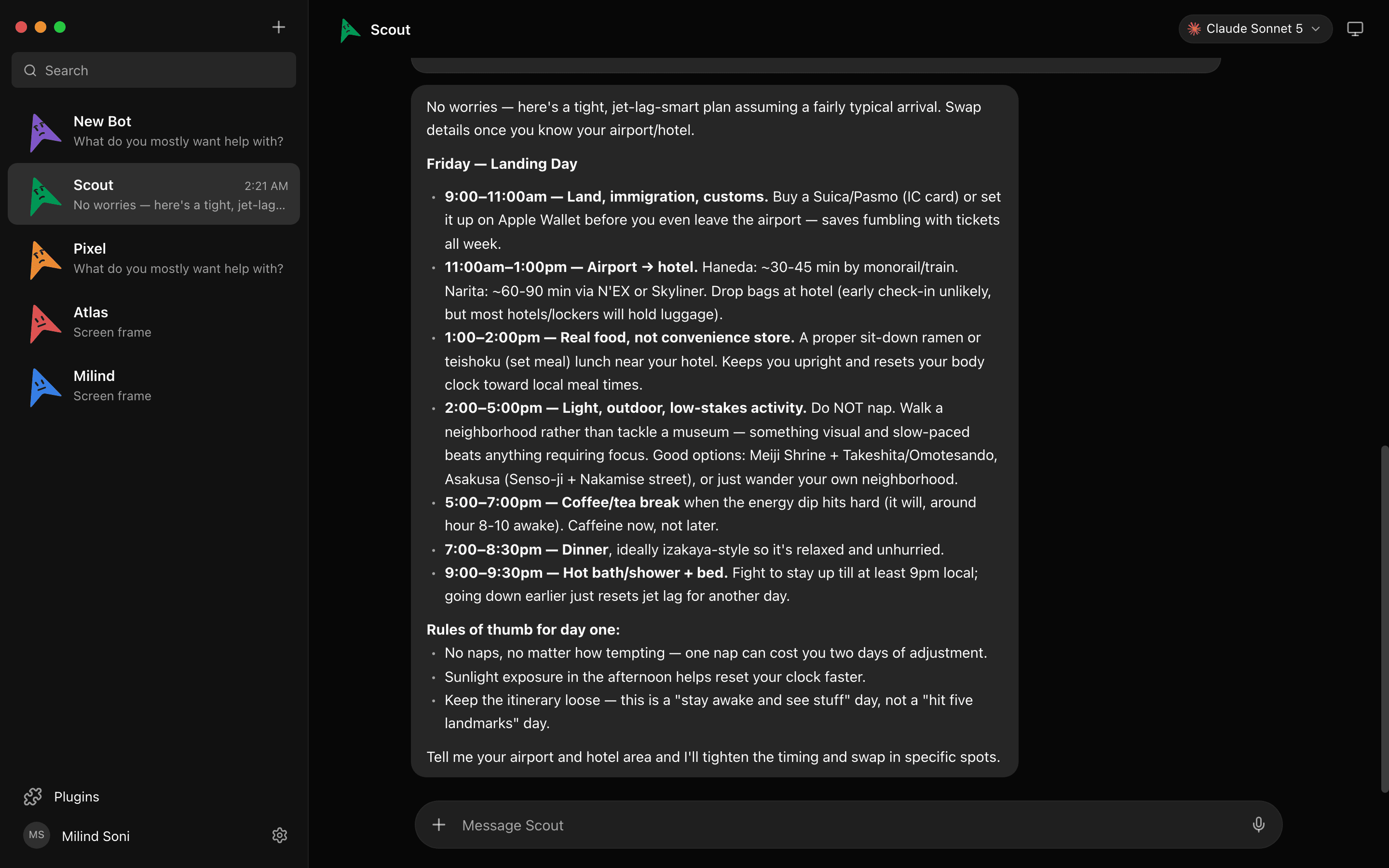
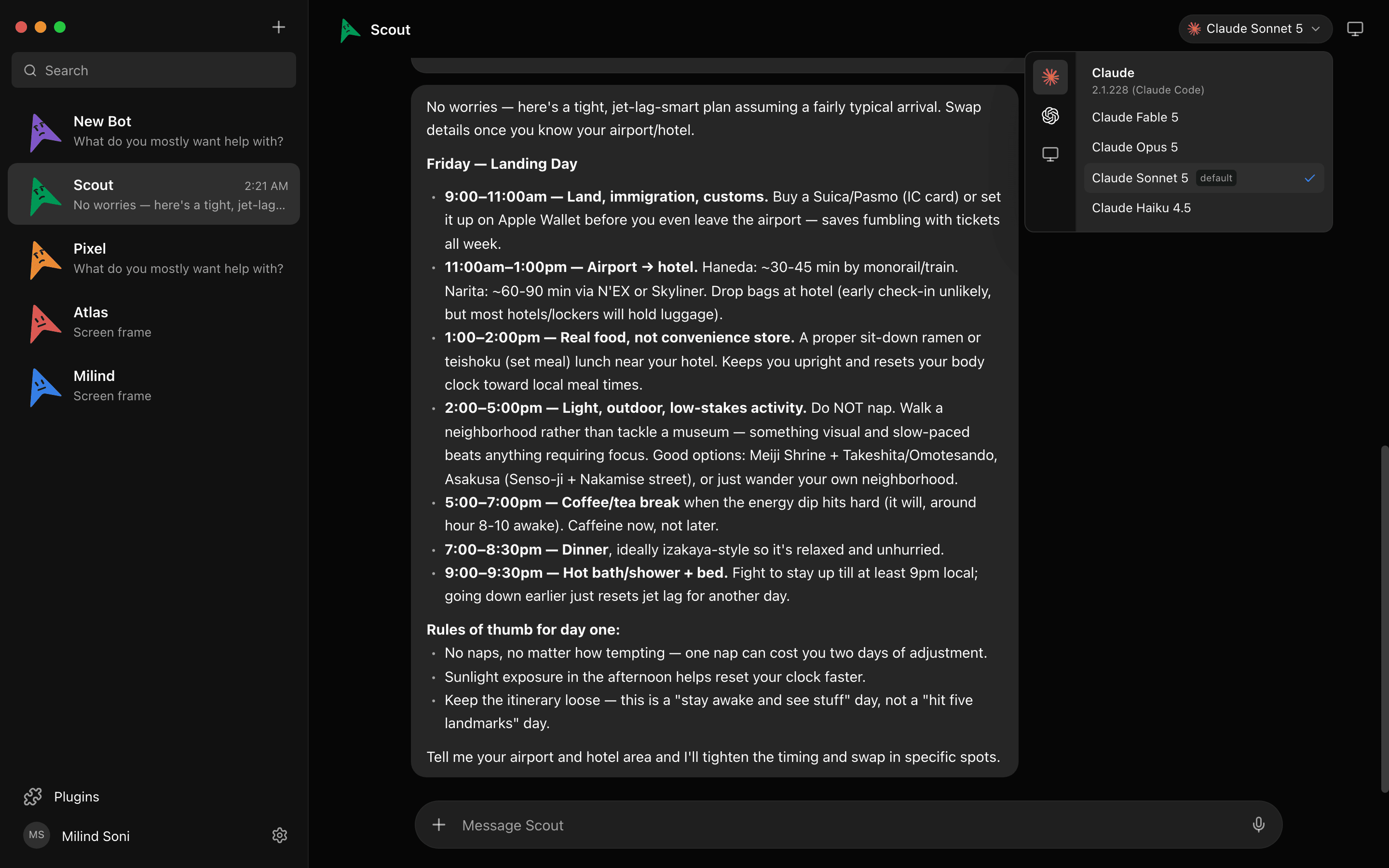
Choose from 16 agent engines, such as Claude Code, Codex, Grok, Cursor and GitHub Copilot, plus API and local models. Give one bot Claude Code for writing and another Codex for code, and switch mid-conversation.
Every bot gets a computer
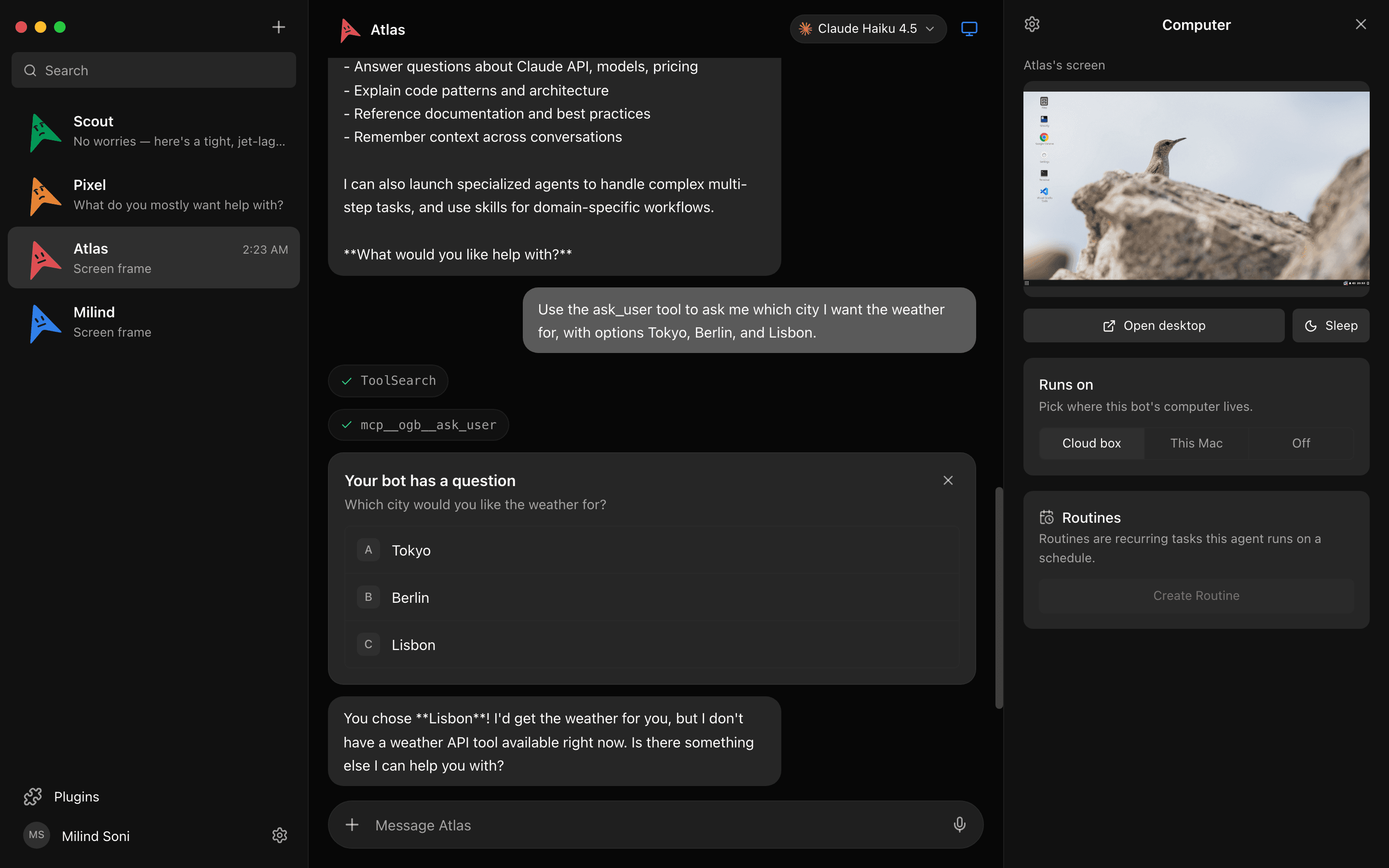
On a Cloud plan, open the Computer panel and the bot gets its own cloud computer, with a live desktop you can watch or take over. Or let it work on your own computer, your own VPS, or your own Chrome.
You choose when bots ask
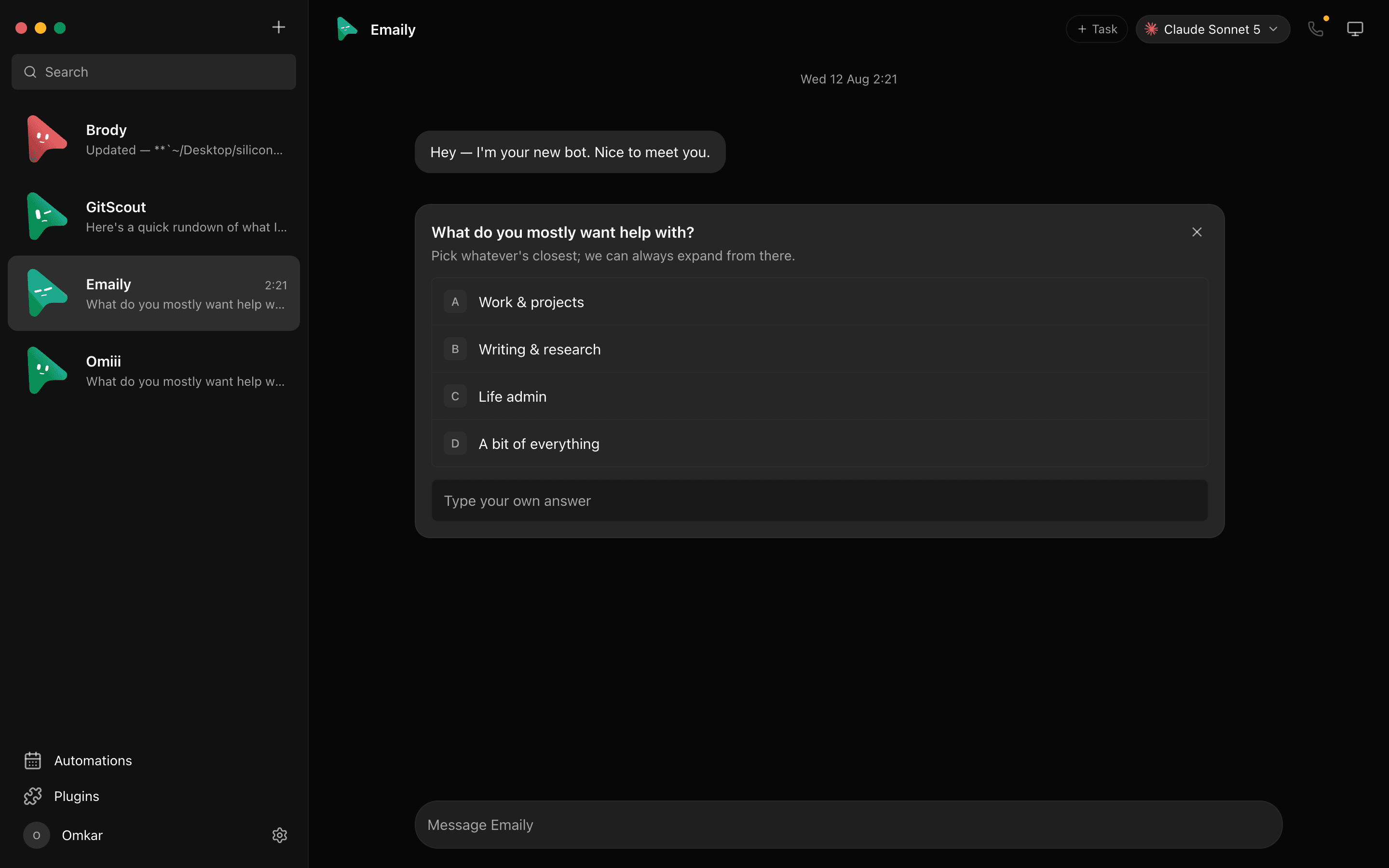
Every new bot starts at Full access; earlier versions asked before every shell command and file edit. Real questions and missing sign-ins still reach you as cards in the chat. Set a bot or a conversation to Ask for approval and it asks before it acts, or pick Auto-accept edits or Approve for me. Each bot's sends through connected apps can be set to ask every time.
Connected apps
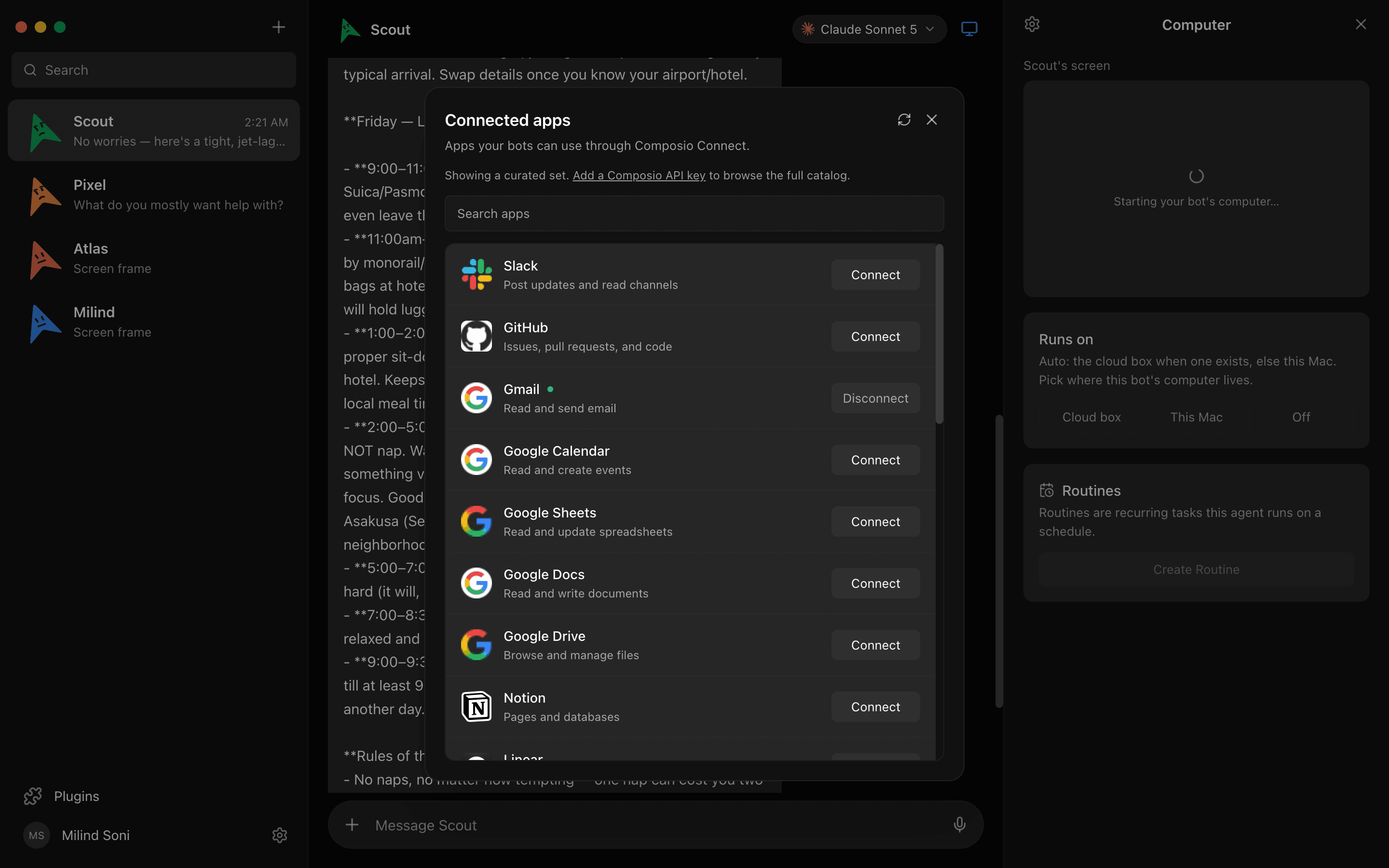
Gmail, Slack, GitHub, Notion, Outlook, LinkedIn and hundreds more through a managed Composio service, signed in once, plus any MCP server. Bots can have their own inboxes and phone numbers too, through one-click AgentMail, AgentPhone and Telnyx cards.
Bots that work as a team
Put bots in a group chat. A bot can be Chief of Staff and hand work to its teammates. Every bot reads the same About me, so a standing preference you tell one bot reaches all of them.
Bots that talk back
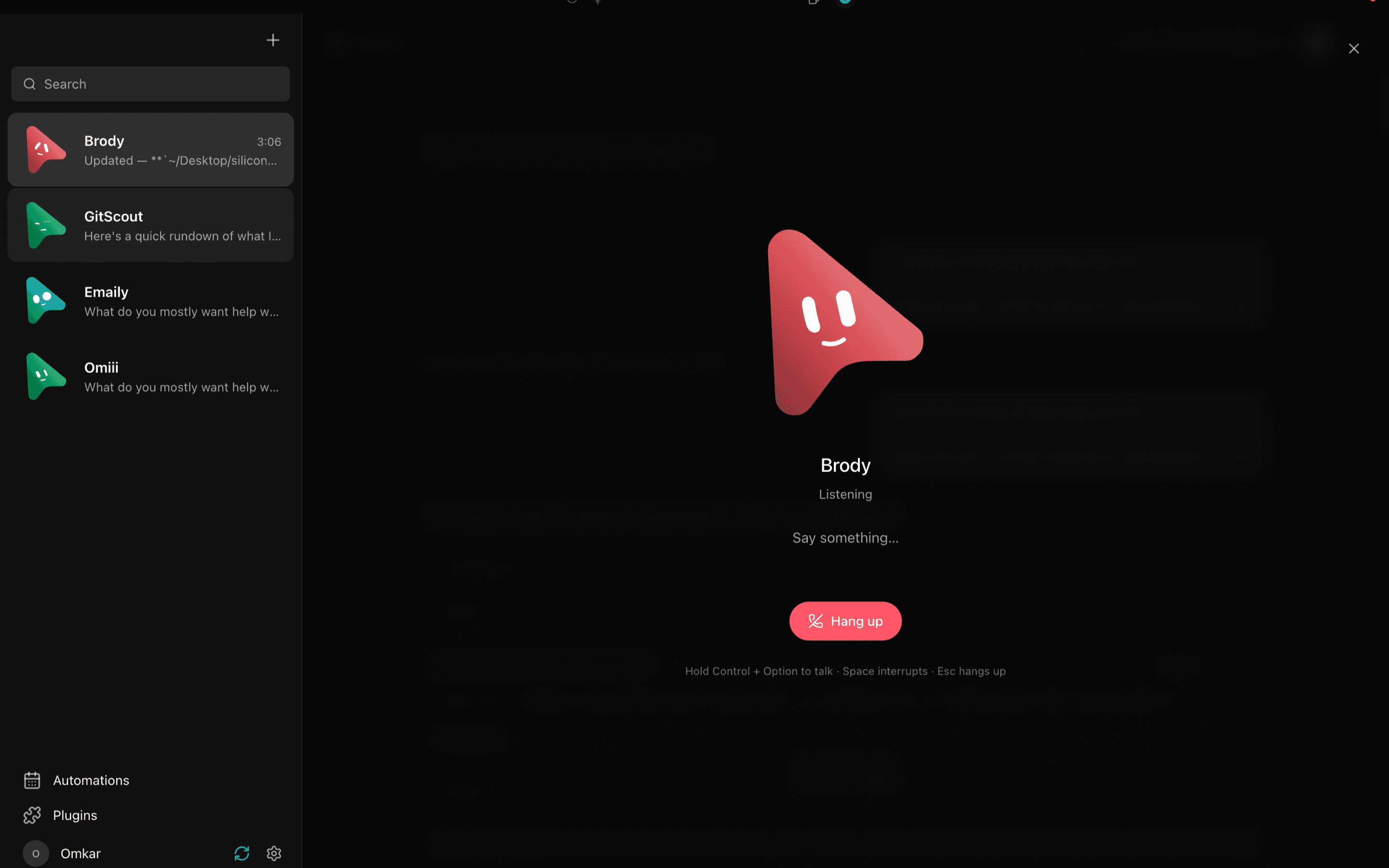
Have a live voice call with your bots on your own OpenAI key, and on a Cloud plan, hear replies read aloud. With a one-click Vapi card, bots can place and answer phone calls too.
Which one should you choose?
Choose Grok Bot if you already pay for SuperGrok, Cursor or The X Subscription Premium, you are happy for it to pick the model, and you are fine with your work living in the cloud.
Choose MausBot if you have Claude, ChatGPT, or Grok subscriptions and want to use them, want a different model per bot, need your data on your own machine, or have a security review to pass.
Open source Grok Bot: the short answer
People search for "open source grok bot," "open source version of grok bot," and, from the project's first name, "opengrok bot github." xAI has not open-sourced Grok Bot. MausBot began as OpenGrokBot, an open-source recreation of the Grok Bot shape, and kept the shape while changing everything underneath: your models, your machine, your disk, under Apache 2.0. The old name still reaches the same repository.
Frequently asked questions
- Is MausBot really free?
- The app is, and it is Apache 2.0 licensed apart from an enterprise/ folder. No MausBot plan includes AI usage: you pay only the model providers you already use, such as your Claude or ChatGPT subscription. Optional Cloud plans, from $19 a month, add an always-on cloud machine, and self-hosting on your own server is free.
- Do I need a Grok subscription?
- No. A bot can run on Claude Code, Codex, Grok or another of MausBot's 16 agent engines, on an API key such as OpenRouter or Mistral, or on a local model through Ollama or LM Studio. Any one of them is enough to start.
- Is MausBot affiliated with xAI?
- No. It is an independent open-source project by Supamaus, inspired by Grok Bot. Grok is a trademark of its owner, and MausBot has no token or cryptocurrency of any kind.
- Where does my data go?
- MausBot stores it in
~/.openmausboton your own machine, or on your own cloud machine on a Cloud plan. Prompts go only to the model provider each bot uses. - Is Grok Bot open source? Is there an open source Grok Bot?
- Grok Bot is proprietary. MausBot, formerly OpenGrokBot, is the open-source alternative: the same roster-of-bots shape, running on your own machine on the agents you already have, such as Claude Code, Codex and Grok, Apache 2.0 licensed on GitHub apart from an enterprise/ folder.
Get started in two minutes
MausBot installs Claude Code or Codex for you from Settings and signs them in from inside the app. Download for macOS, Windows, or Ubuntu, sign in with the account or API key you already have, and meet your first bot. Or read the source on GitHub first. The app is free, and the features list shows what it does; Cloud plans are optional.
This post is based on the products as they were on . Products change. If something here is out of date, tell us and we will correct it.